Build the performance
Record a section in a loop. Listen to the alternatives in the context of the song and use take selection and comping for your preferred passages.
 WaveDeskGo to Softdeck ↗
YOUR MUSIC TAKES CENTRE STAGE
Explore WaveDesk from your own musical perspective. Each starting point connects suitable tools with a clear path through your song.
VOCALS & VOICE
A clear performance starts before the first effect. Set up the microphone input, check the recording level and capture several takes. Then shape the strongest moments into a coherent vocal track.
Record a section in a loop. Listen to the alternatives in the context of the song and use take selection and comping for your preferred passages.
Precisely edit monophonic pitch, timing and formants in the Audio Note Editor. Compare the source and the processed version before moving on.
Aura, de-esser, EQ and compressor help shape the sound. Give vocals space with a shared reverb send without pushing the voice to the back.
GUITARS & BANDS
A band production thrives on interplay. Organise microphones and instruments on separate tracks, use mono or stereo inputs to suit the source, and keep the arrangement readable with colours and markers.
Select your interface inputs and arm the required audio tracks for recording. Check levels and monitoring before the take.
Bring related instruments together in groups. Shared spaces via sends connect guitars, drums and vocals.
Compare takes, shape transitions with fades and bring the chorus or solo forward with automation. External VST3 effects add to your sound.
BEATS & ELECTRONIC MUSIC
Start with rhythm and bass. RHYTHM provides drum pads and a step sequencer; MONO and NOVA add foundation, leads and textures. Build small motifs into a complete progression in the arrangement.
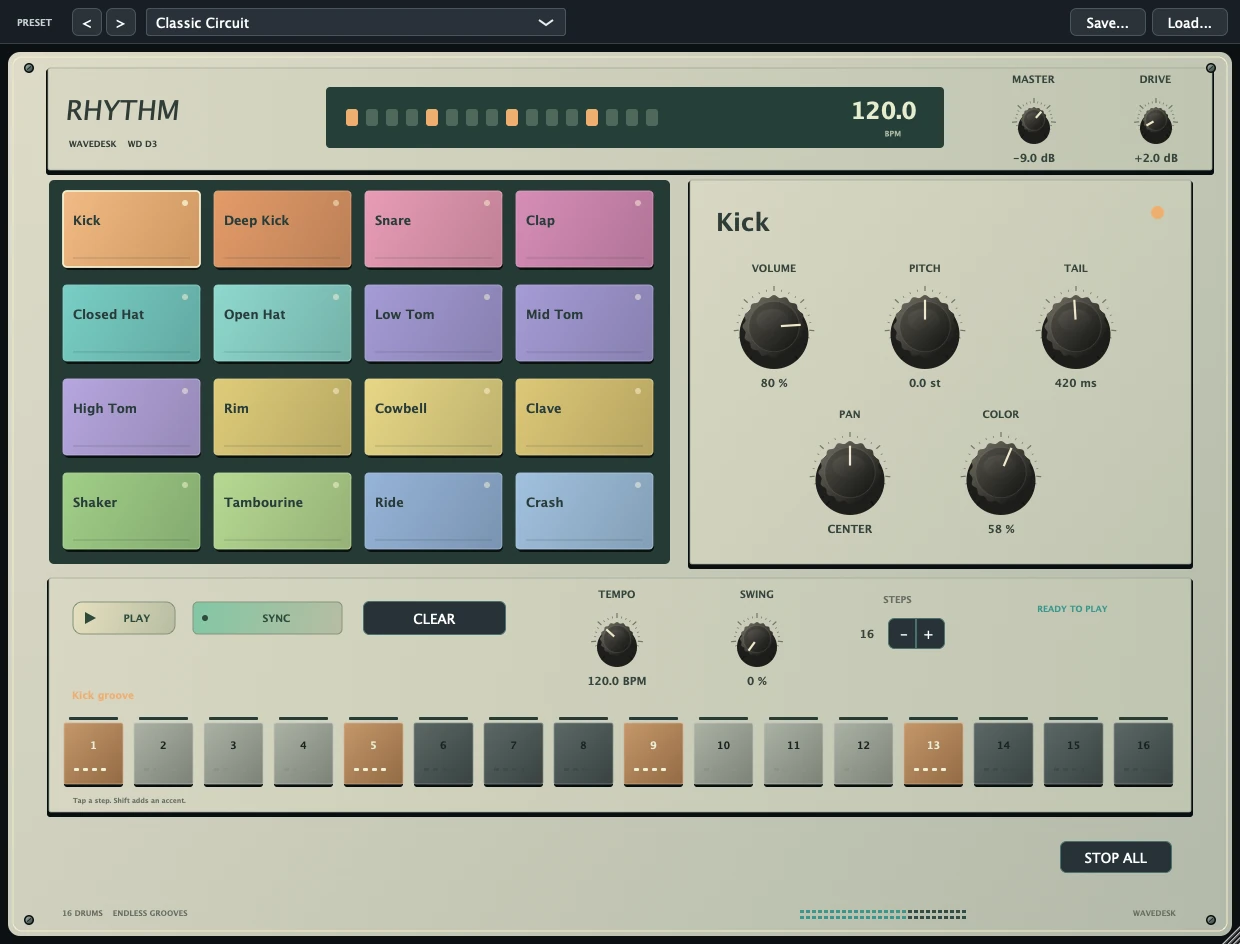
Program drums, vary velocities and try swing. Deliberately leave space for bass and other rhythmic elements.
Edit a motif in the piano roll or pattern sequencer. Scales, Mono/Poly and controller curves open up new variations.
Change tone and volume over time with automation. Use modulation, delay or saturation as musical accents.
KEYS, SAMPLES & COMPOSITION
A piano chord, a string part or an unusual sample can spark a whole song. Record instruments via MIDI and develop harmony and phrasing with the piano roll and chord tools.
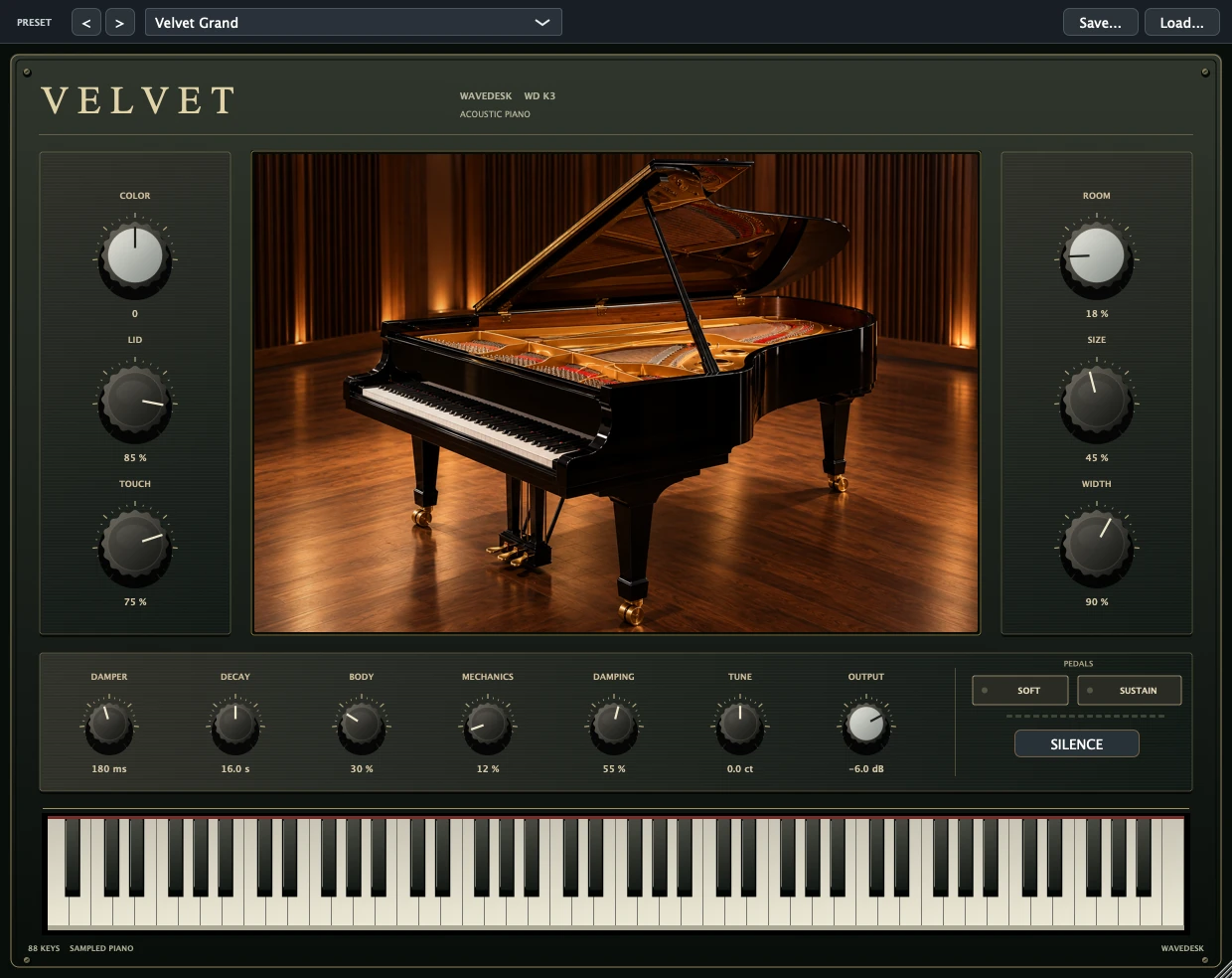
Play in chords or a melody. Adjust note lengths and velocity until the phrase fits your song.
Explore acoustic and electric keys, strings and synths. The audio examples help you hear their different characters.
Load a sample into FRAME, select a section and shape the sound with the envelope and filter. Reverse and loop open up new possibilities.
YOUR NEXT STEP
Find the right WaveDesk edition at Softdeck.
Offer at Softdeck