Multiple tracks. One moment.
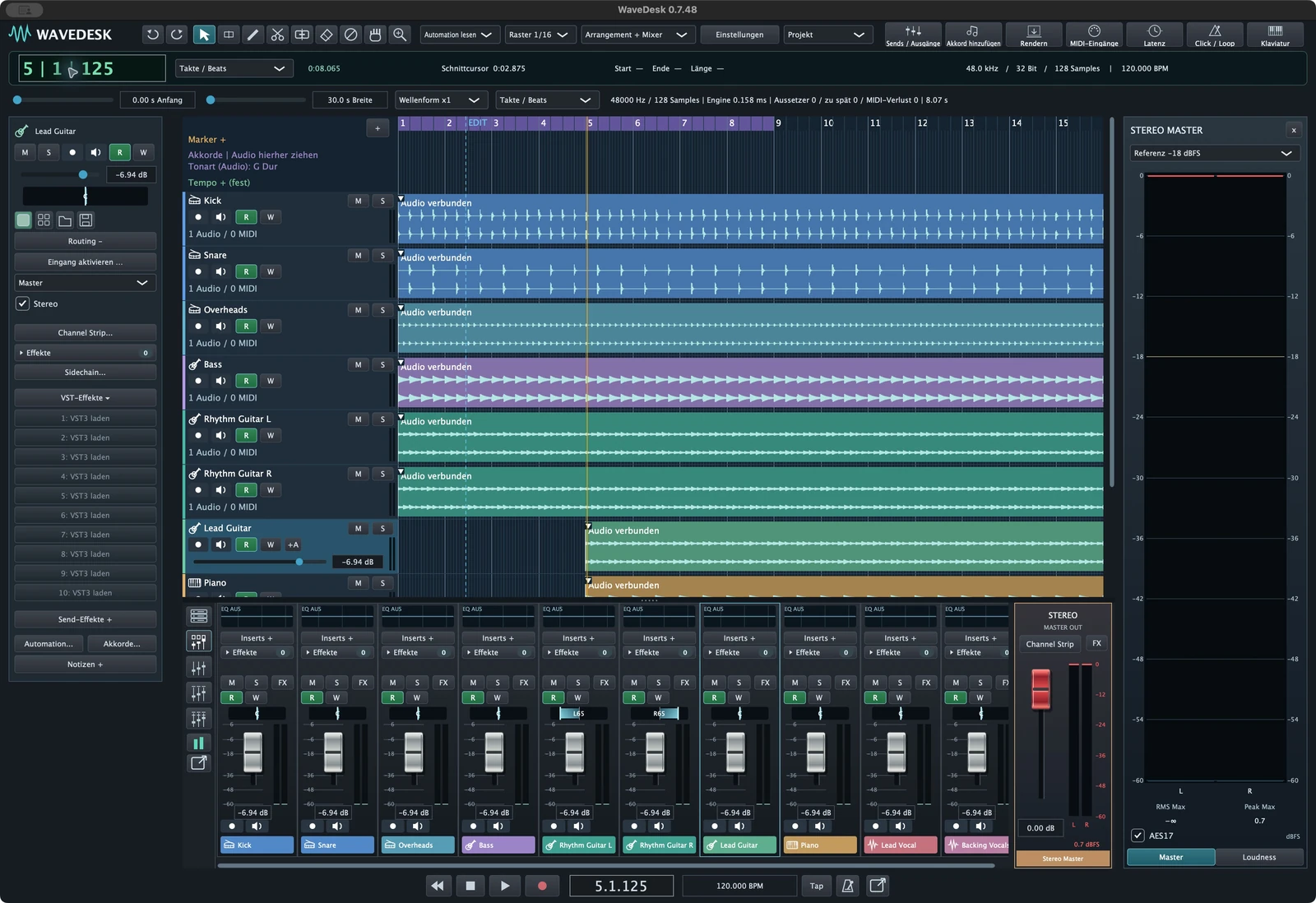
Choose mono or stereo inputs for your tracks and record complete performances together. Waveforms grow directly in the arrangement as you record.
 WaveDeskGo to Softdeck ↗
A riff. A voice. A beat. WaveDesk brings recording, instruments and mixing together in a music studio for your Mac.
EXPLORE A SESSION
Explore real WaveDesk views from a pop-rock session. From the right groove to the finished arrangement: discover how to develop ideas step by step in WaveDesk.
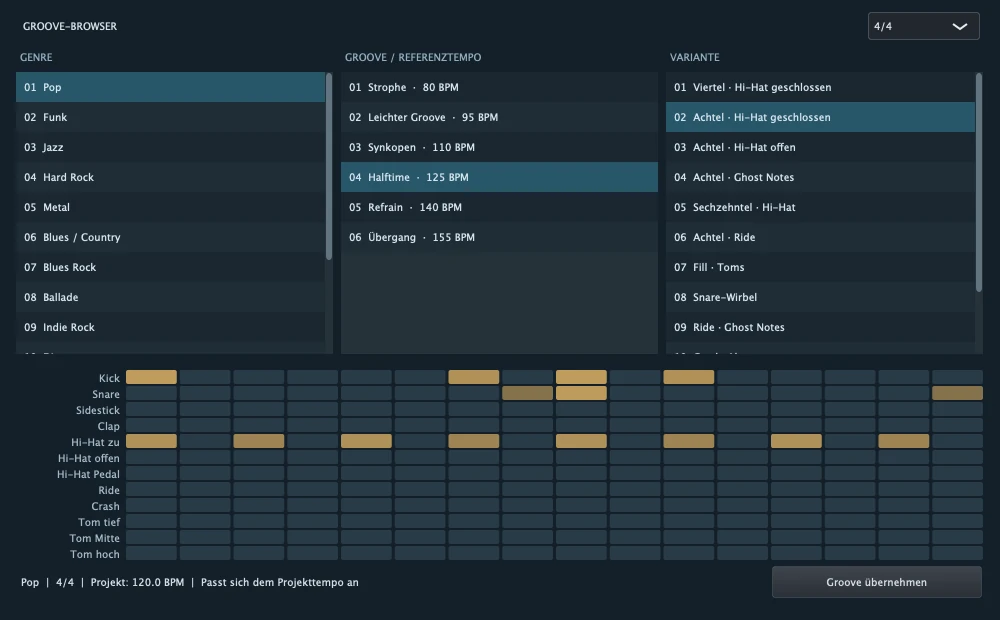 Grooves · Patterns · Song ideas ↗
YOUR CREATIVE FLOW
A connected workspace for songs, beats and recordings. With room for your instruments and the details that define your mix.
Record voices and instruments across multiple tracks. Loop takes and comping help you assemble the right performance.
Discover more ↗Develop MIDI parts in the piano roll, build patterns and shape your arrangement with clips, markers and chords.
Discover more ↗Combine WaveDesk instruments with your VST3 plugins. From synth bass and piano to evolving sound textures.
Discover more ↗Shape tracks with the channel strip and EQ. Groups, sends, sidechains and automation take you to the stereo mix.
Discover more ↗WHAT DO YOU HAVE IN MIND?
Find the right tools for what you want to produce.
RECORDING & PERFORMANCE
The vocal sits just right. The guitar has exactly the right punch. With multiple recording tracks, direct monitoring and alternative takes, you give your performance the space it needs.
More about recording ↗Choose mono or stereo inputs for your tracks and record complete performances together. Waveforms grow directly in the arrangement as you record.
Capture alternatives with loop recording. Compare your takes and use comping to assemble the passages that carry your song.
Track colours, instrument icons, markers and notes help you find the right part quickly, even in extensive arrangements.
LESS SEARCHING. MORE MUSIC.
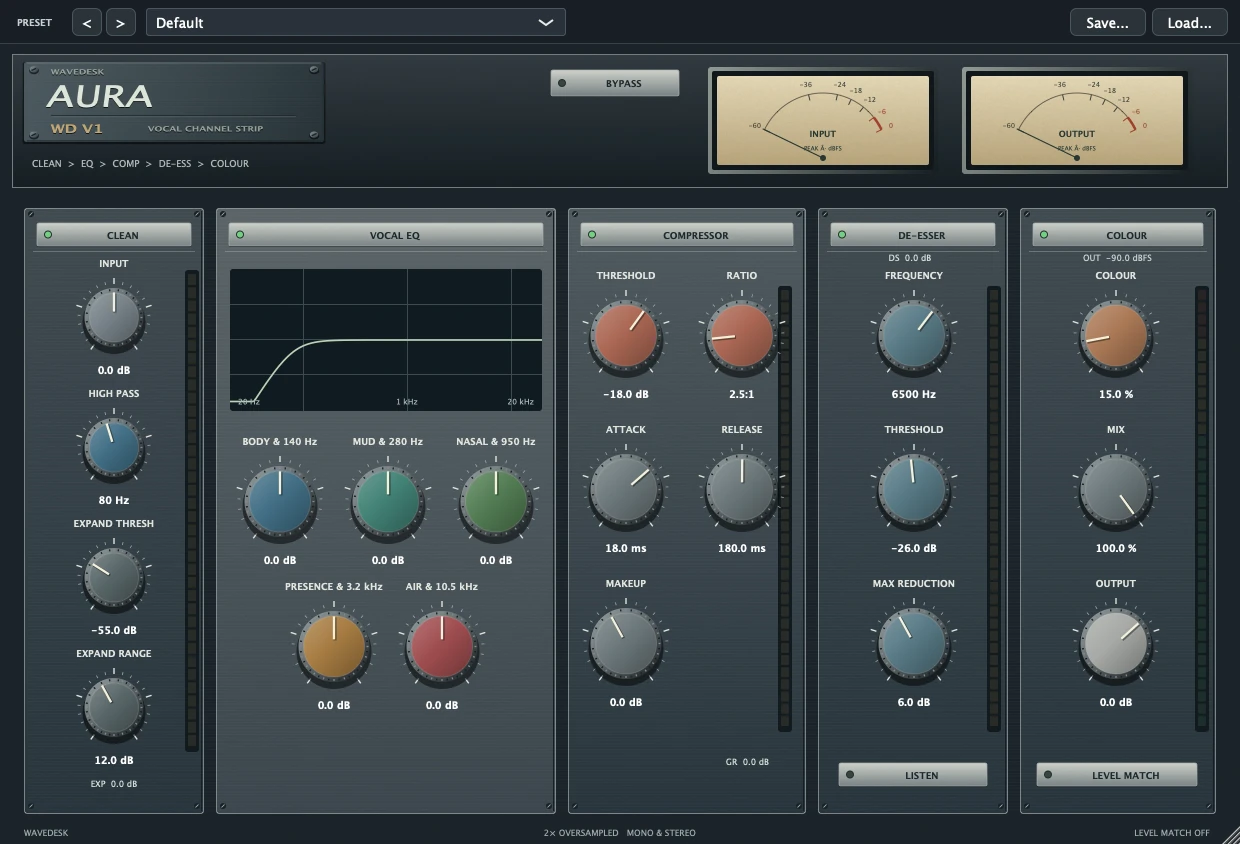
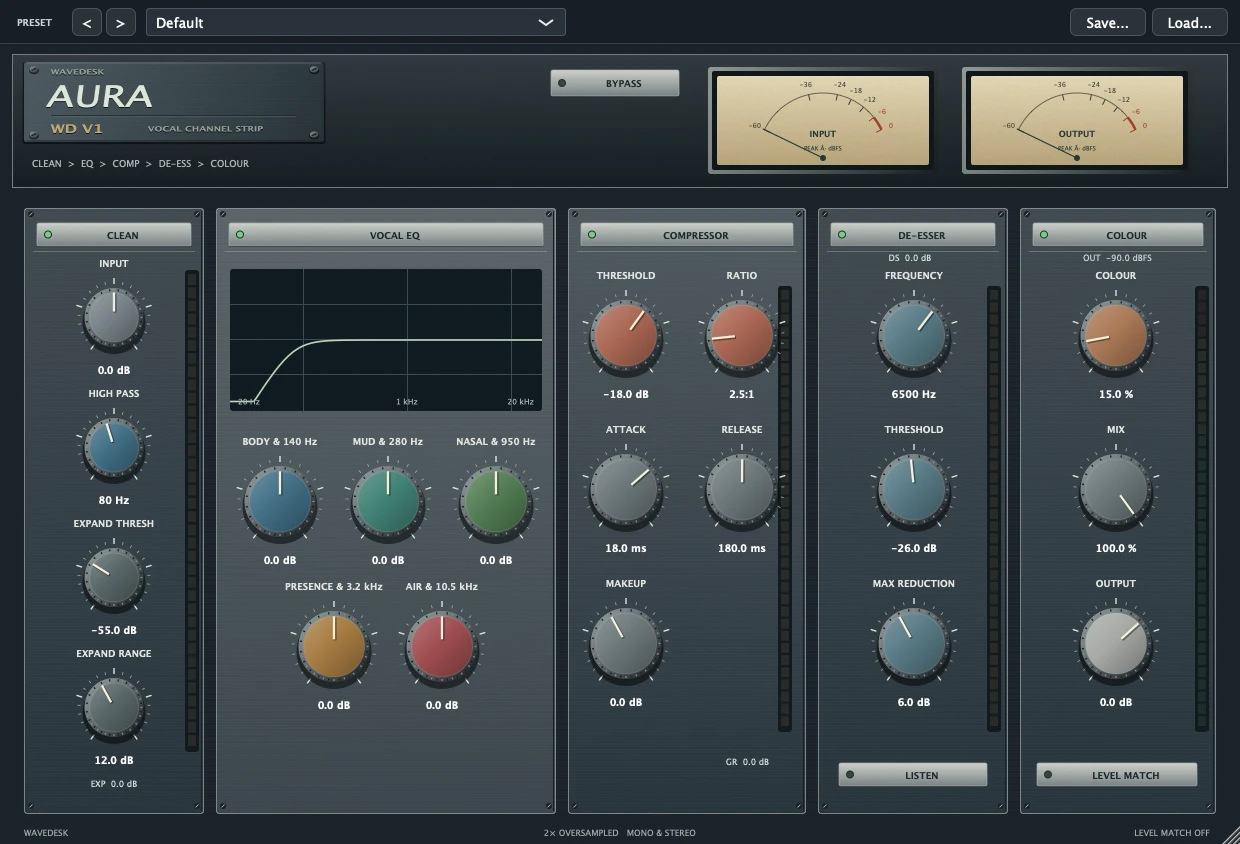
The Channel Strip puts tone shaping and dynamics directly on your track. The graphical 6-band EQ makes adjustments visible and accessible in just a few steps.
INSTRUMENTS WITH CHARACTER
Distinctive synthesizers, playable keys and effects with personality. Discover the WaveDesk plugin family.
All instruments & Effects ↗
Virtual Analogue Synthesizer
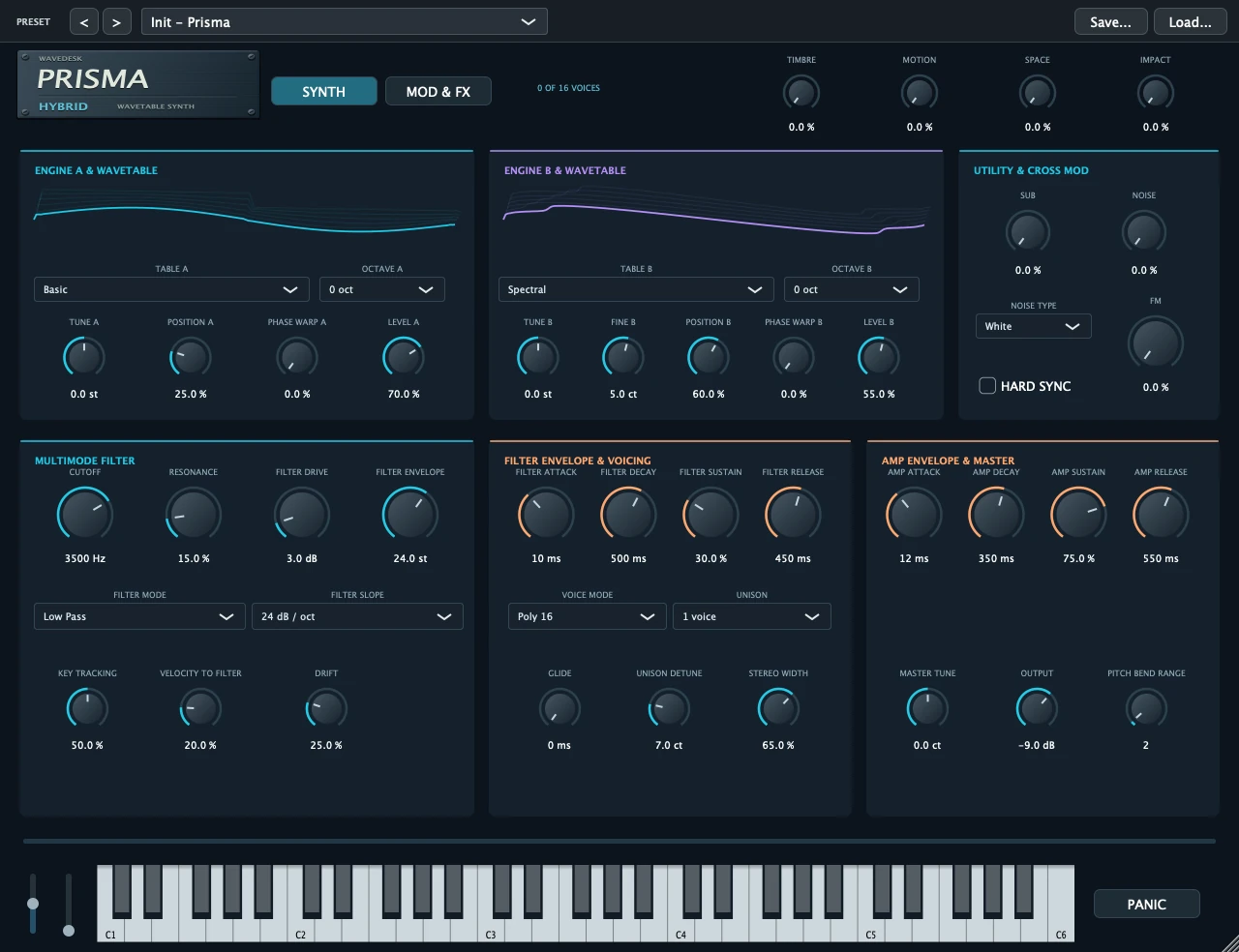
Hybrid Wavetable Synthesizer

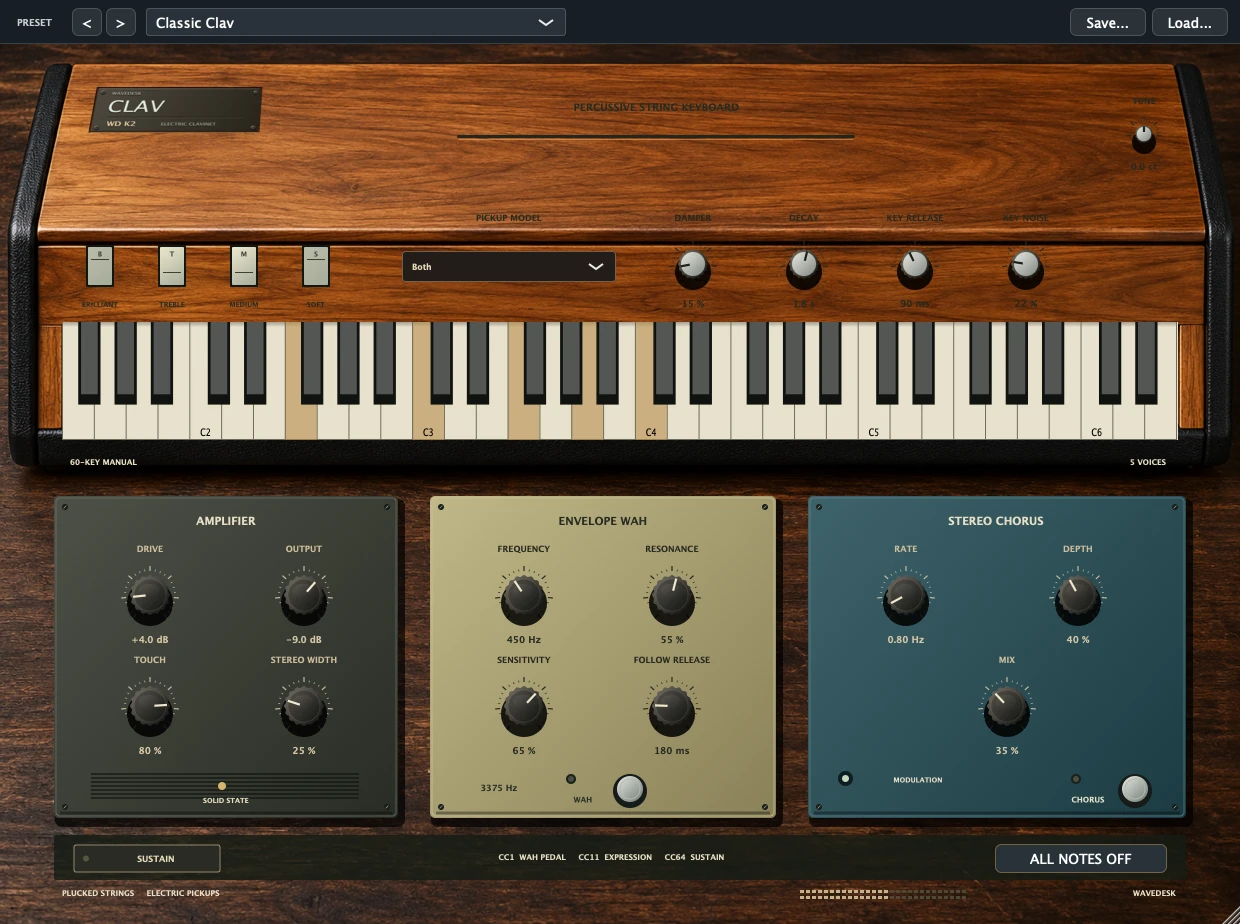
Electric Piano
The catalogue presents the developed plugin family. The relevant Softdeck offer specifies which plugins are included in your licence.
FIND YOUR SOUND
Explore the WaveDesk instruments and find the tone for your next song.
All instruments ↗Warm synth chords, a driving bass and a distinctive lead.
Three presets · Short solo previews
Discover the instrument ↗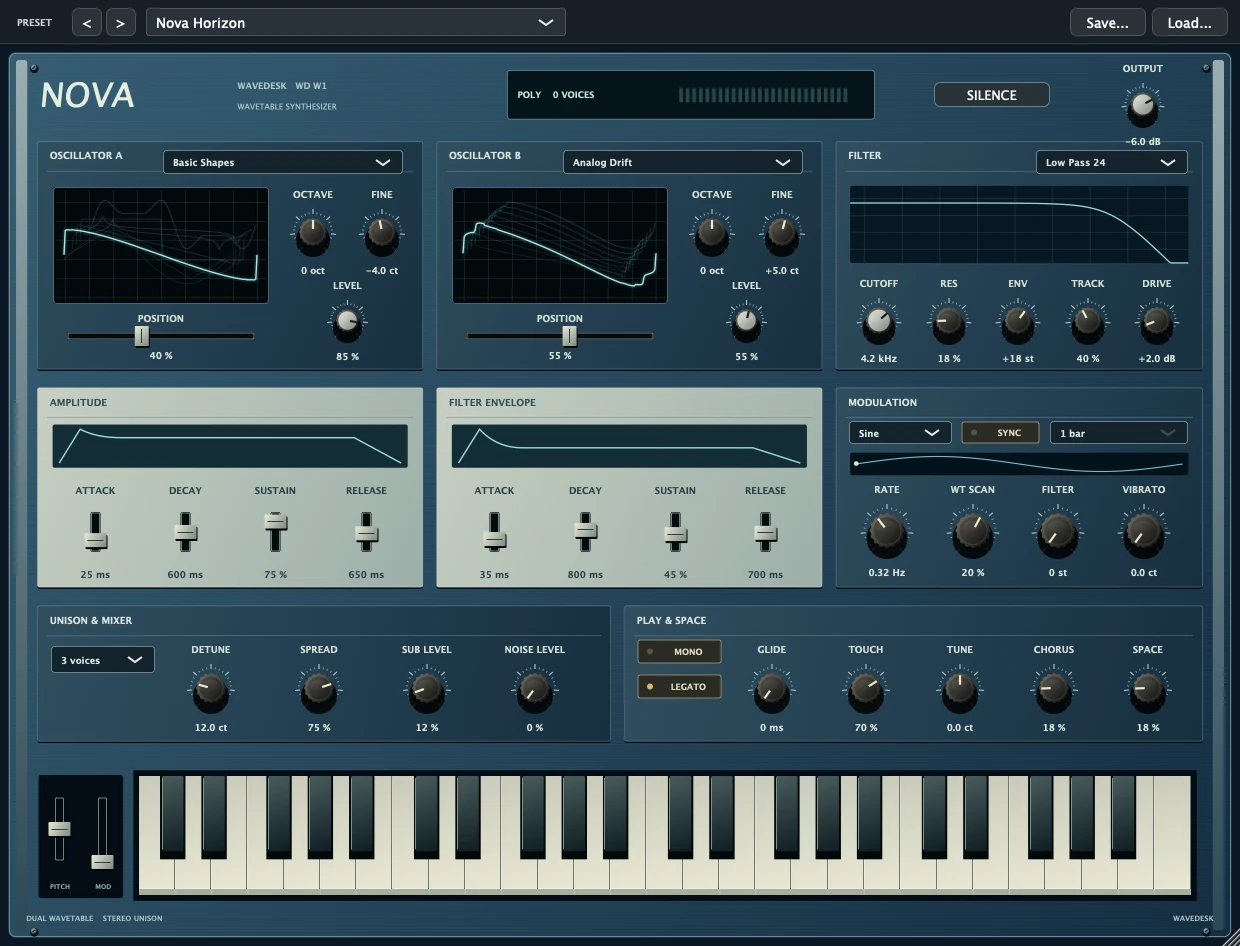
Waveforms in motion. Your sound, your way.
Three presets · Short solo previews
Discover the instrument ↗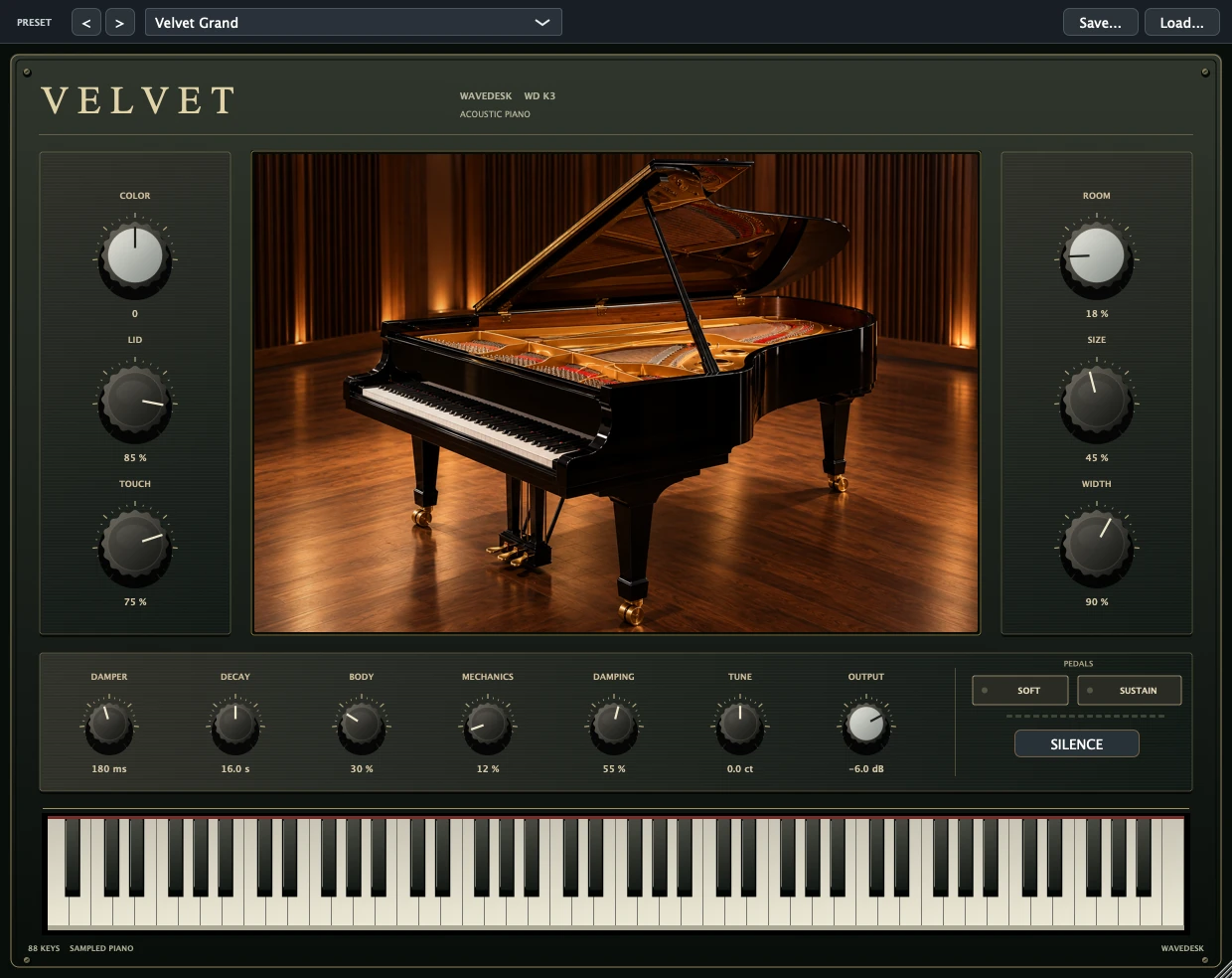
One grand piano. Your own expression.
Three presets · Short solo previews
Discover the instrument ↗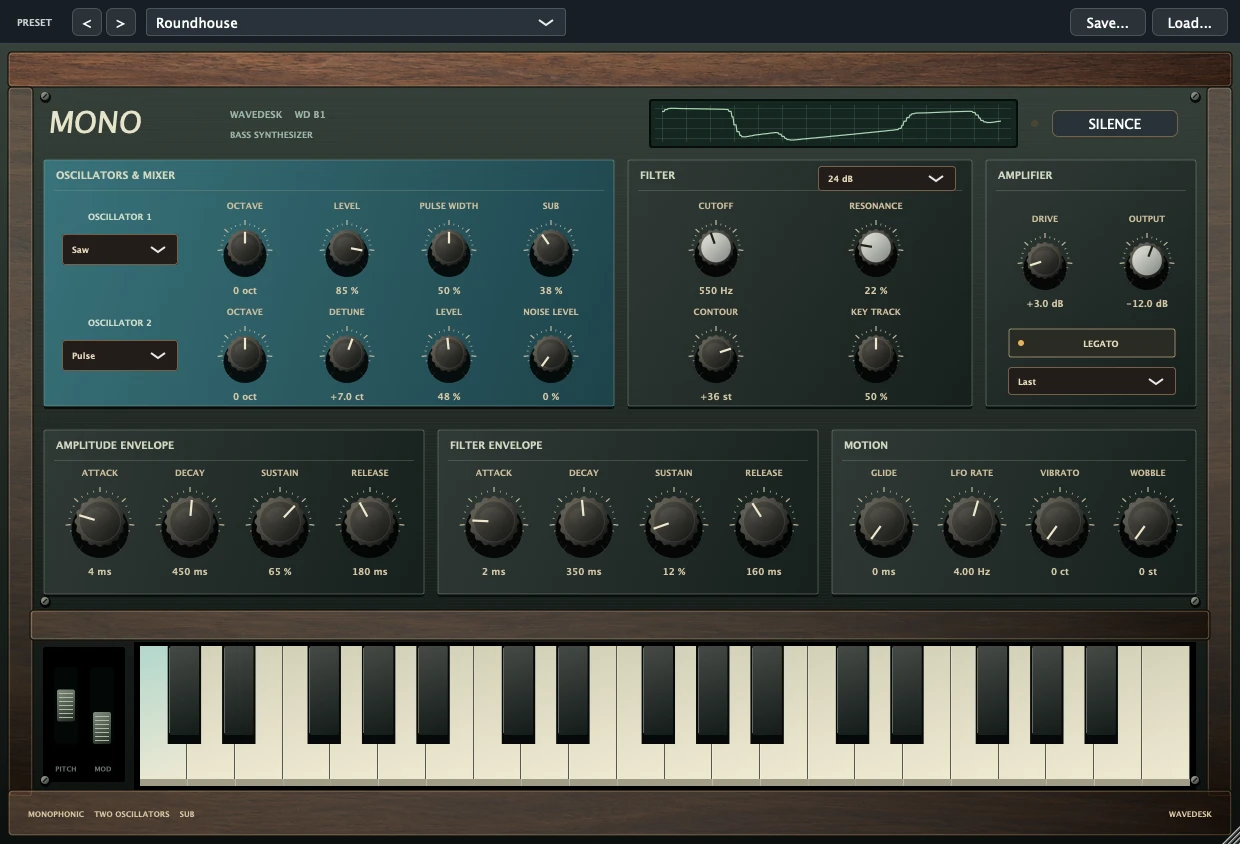
Bass with bite. Room for your groove.
Three presets · Short solo previews
Discover the instrument ↗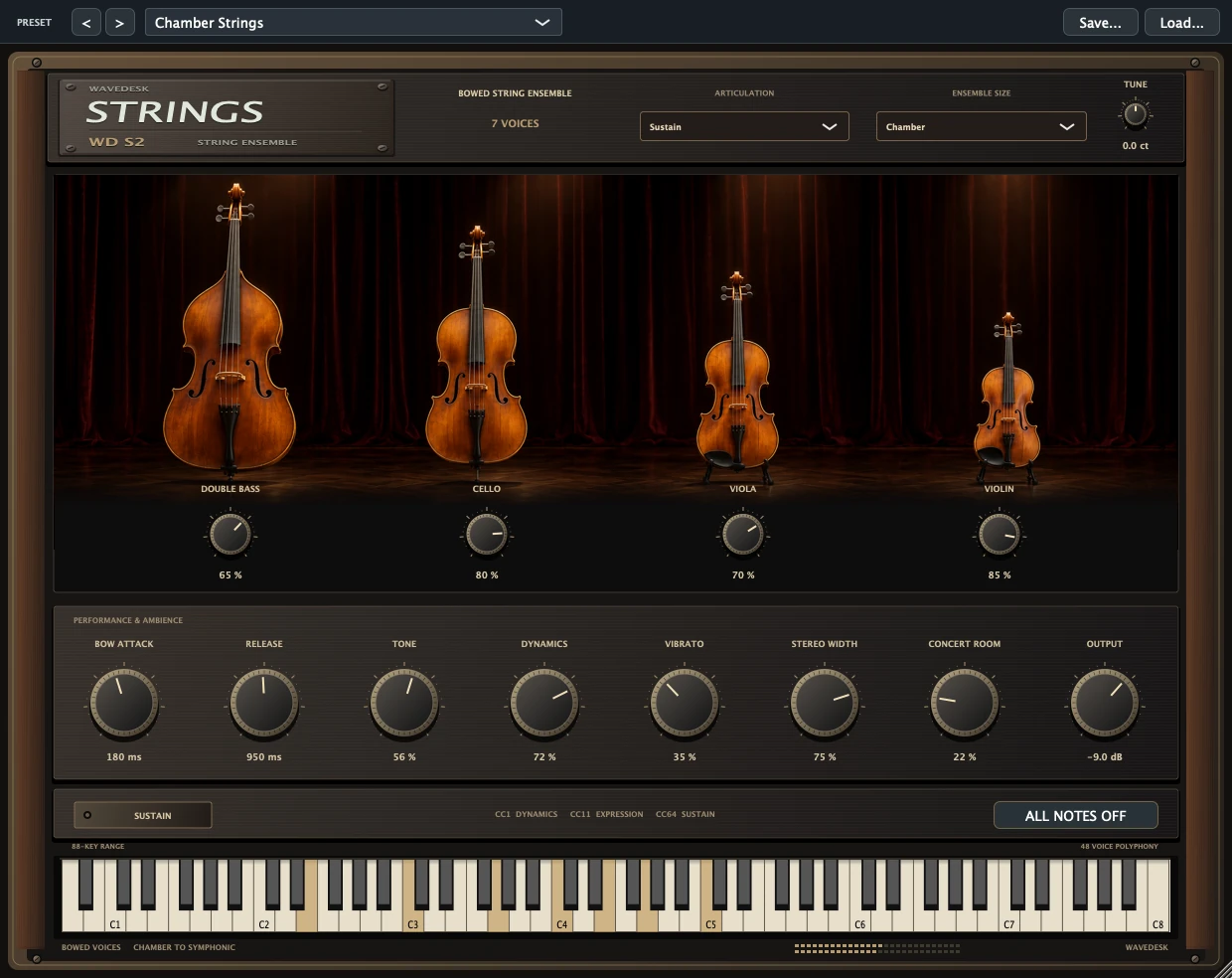
Strings for big emotions.
Three presets · Short solo previews
Discover the instrument ↗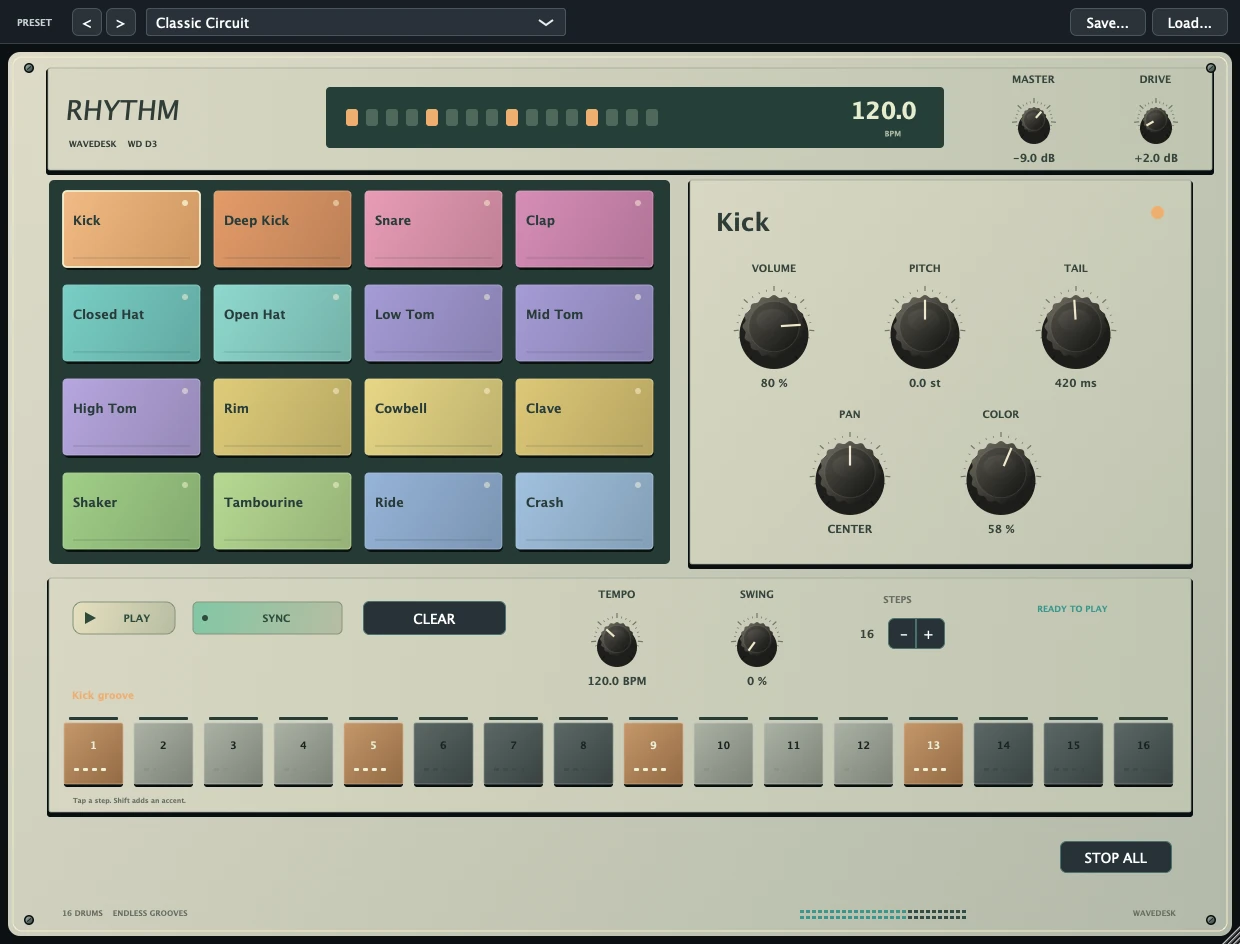
Your groove. Right on the beat.
Three presets · Short solo previews
Discover the instrument ↗Record, arrange and mix: explore the tools for your next song and find the right edition at Softdeck.
SONGWRITING & MIDI
Record your first bass line, draw a chord in the piano roll or start with a drum pattern. WaveDesk connects musical ideas with tools that support you as you develop them.
YOUR INSTRUMENTS
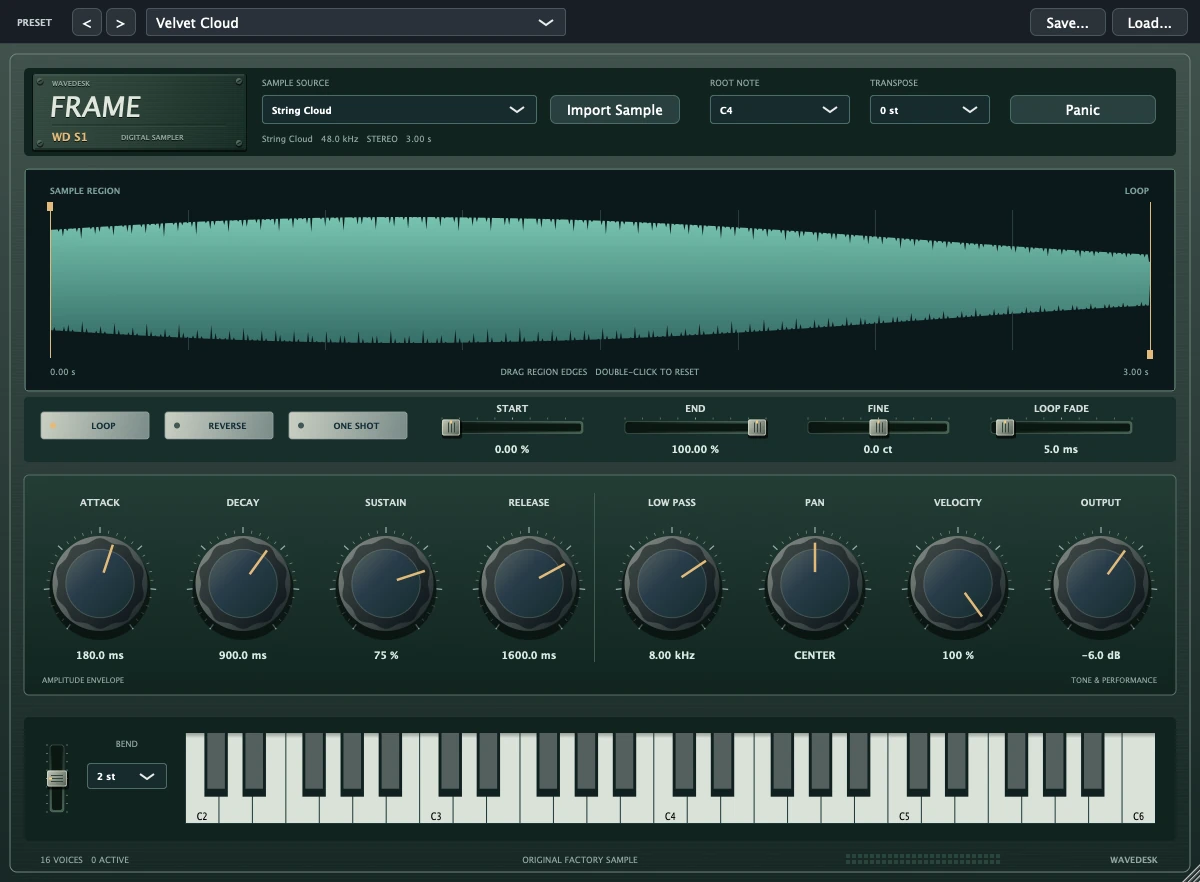
Combine synthesizers, piano, strings and sampler into your own sonic palette. Start with a preset and shape it into a sound that finds its place in your song.
Explore instruments ↗YOUR VST3 PLUGINS
Load compatible VST3 instruments and effects into your session. The plugin manager organises search paths, categories and favourites so your essential tools are within easy reach.
More about VST3 ↗PITCH CORRECTION
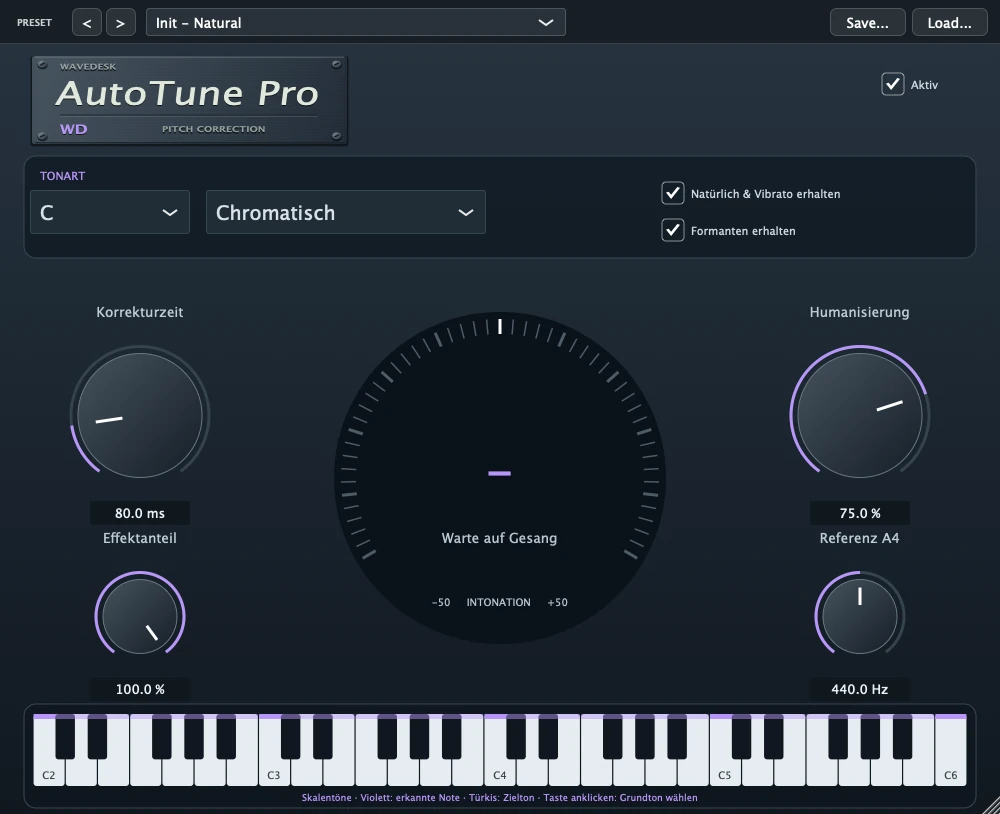
WD AutoTune Pro is a VST3 tool for pitch correction of monophonic vocal recordings. Adapt the sound to your arrangement while keeping the musical impact of your performance in mind.
Discover WD AutoTune Pro ↗SOUND SHAPING & MIXING
A clear voice. A supportive bass. Spaces that work together. Shape the interplay between your tracks and give every musical idea its place.
SHAPE FREQUENCIES
Shape your sound directly on the curve with the graphical 6-band EQ. Use it to reduce problem areas and make room for voices and instruments.
KEEP YOUR MIX IN VIEW
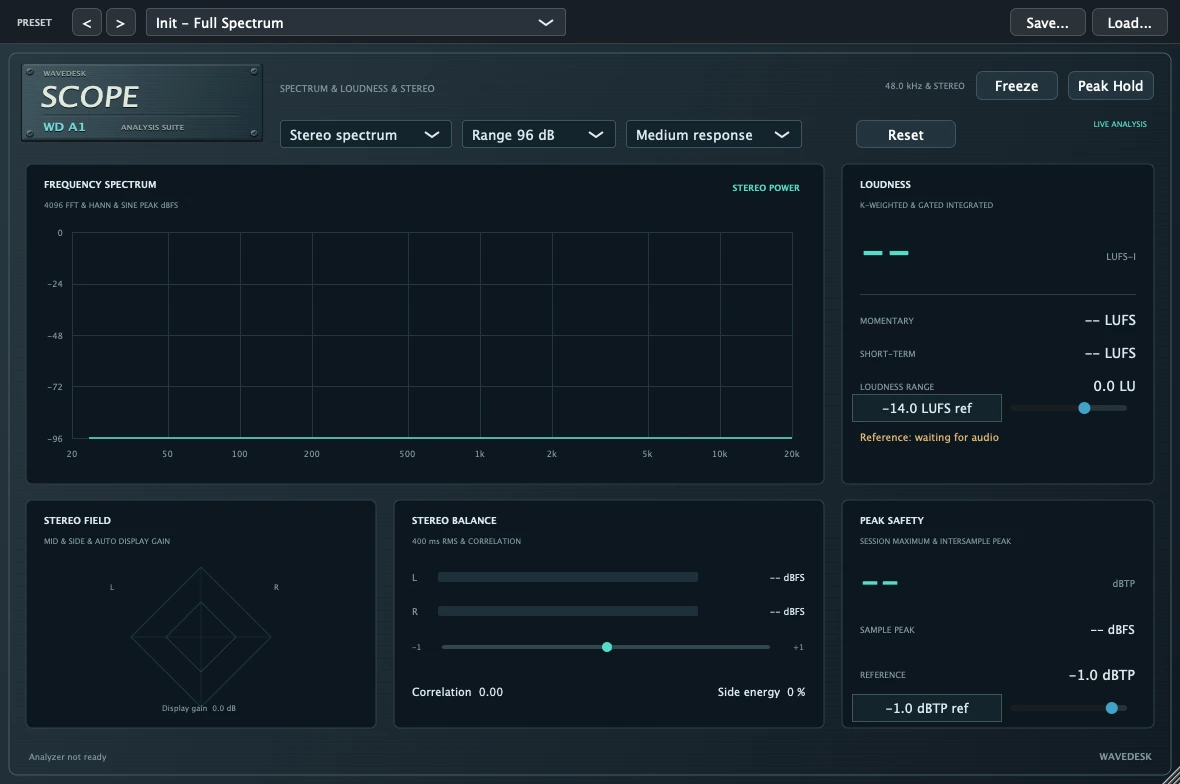
The WaveDesk plugin family also includes SCOPE, an analyzer for spectrum, loudness and stereo. Visual information complements your hearing when assessing a mix.
Groups and FX buses bring instruments and shared effects together. Sends share reverbs and delays between multiple tracks.
Automate levels, panning and suitable plugin parameters. Your mix can grow with the progression of your song.
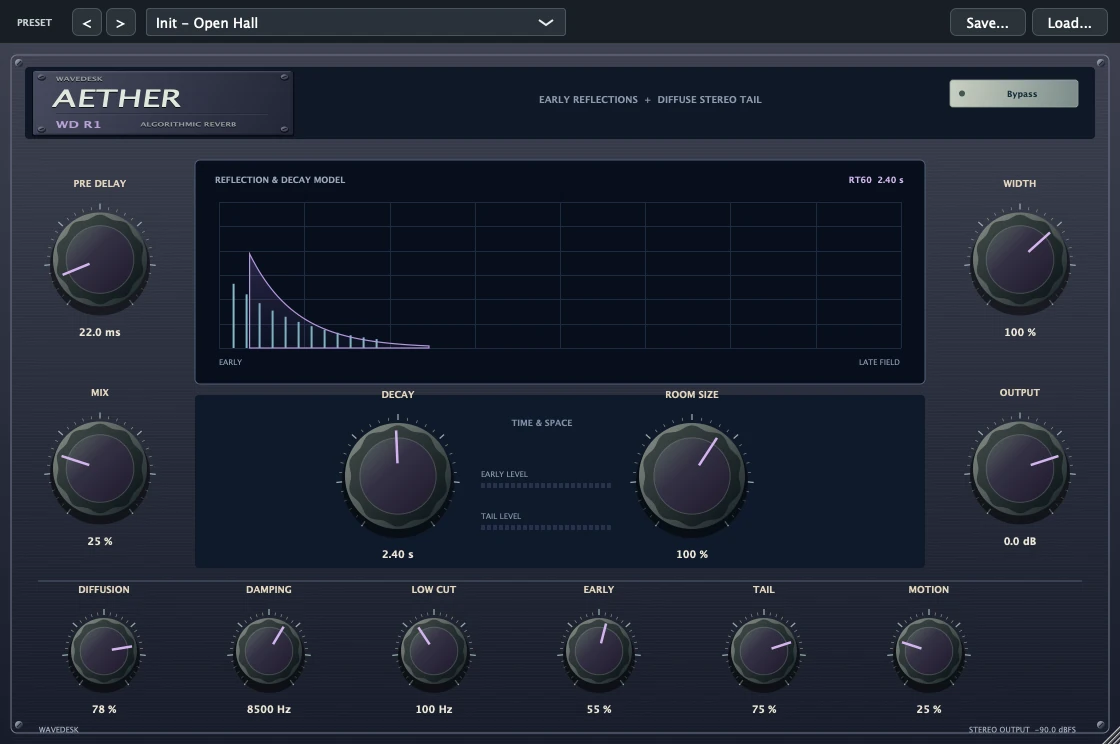
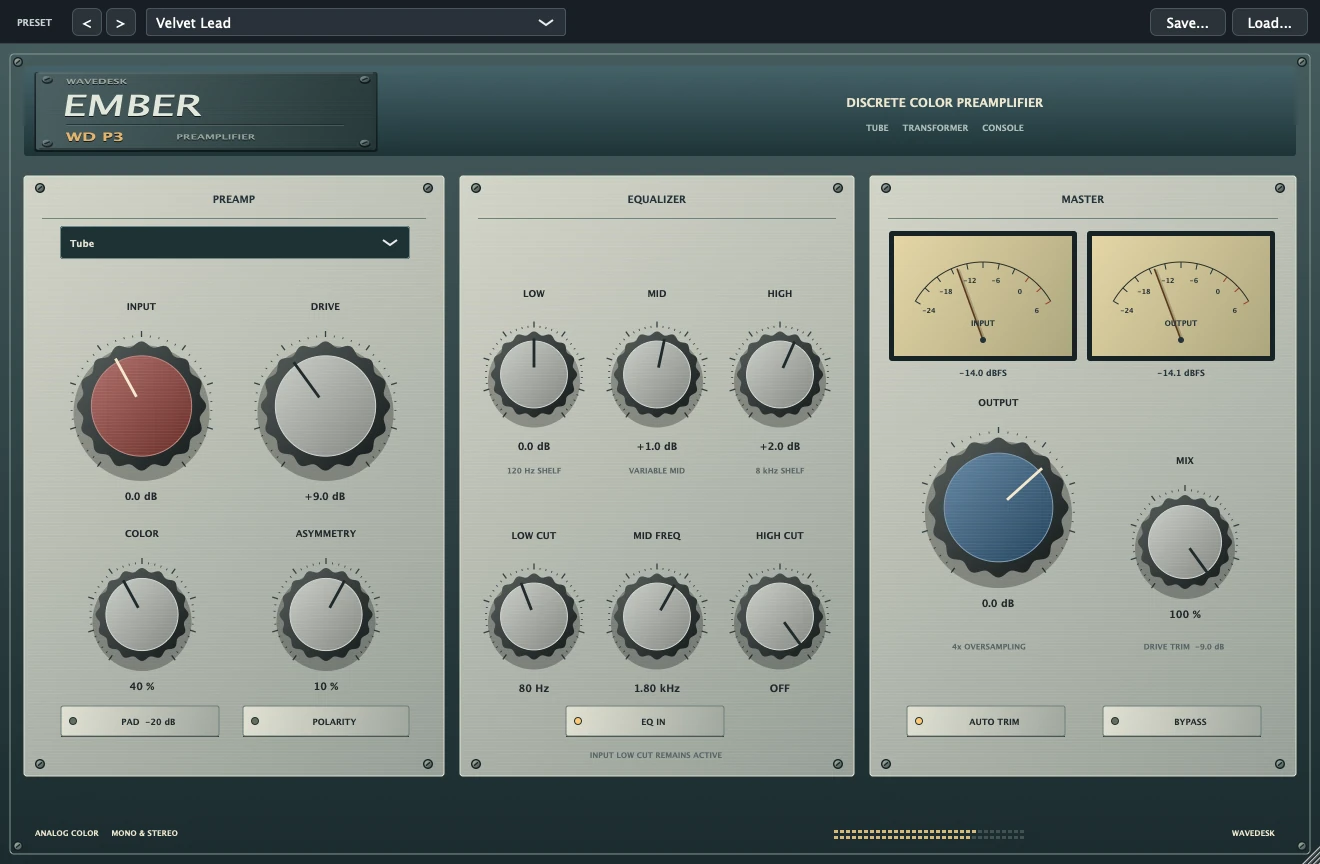
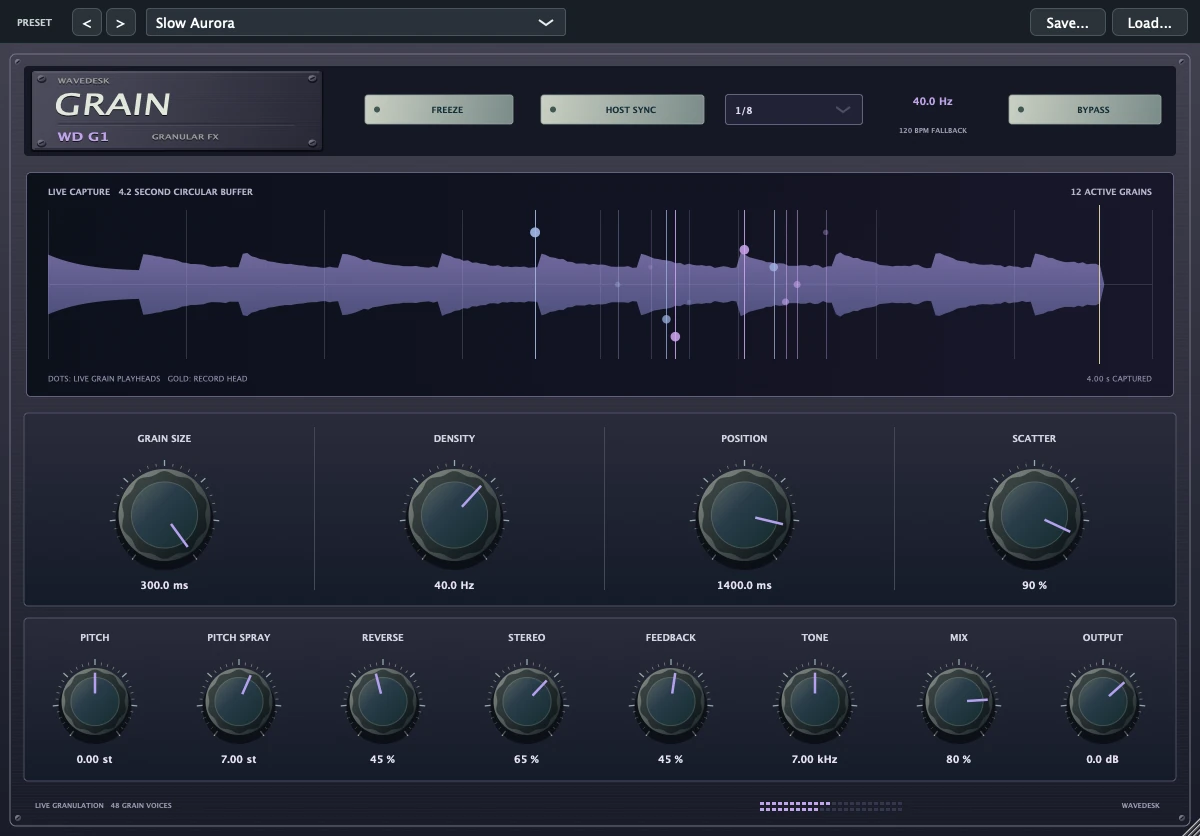
Saturation, compression, modulation and reverb add colour to your tracks. Discover the right tools in the plugin catalogue.
PROJECTS & WORKFLOW
A good workflow keeps things clear. Save workspaces, organise your audio material and use project and track settings to keep your session structured.
YOUR STUDIO. YOUR SCOPE.
From your first song to an extensive arrangement: find the edition that suits your plans. See prices and the definitive included content at Softdeck.
YOUR FIRST ORIGINAL TRACK
With the Sound Workshop and our guides, watching becomes your own workflow. Explore recording, MIDI, sampling and mixing through practical tasks.
GOOD TO KNOW
WaveDesk is designed for Macs with Apple Silicon. The relevant Softdeck offer provides the specific macOS and hardware requirements.
Yes. Load VST3 instruments and effects that are compatible with your Mac’s architecture and environment. Additional manufacturer licences and their system requirements still apply.
The plugin catalogue presents the WaveDesk sound tools. The current Softdeck offer specifies which tools your edition includes and how much it costs.
All purchase links lead to Softdeck. There you can choose your offer and find the associated licence terms and downloads.
YOUR SOUND TO DISCOVER
YOUR NEXT TRACK STARTS HERE
Discover WaveDesk and find the right edition at Softdeck.
Buy WaveDesk Purchases, licensing and downloads are handled by Softdeck.PRODUCE MUSIC ON MAC
WaveDesk combines multitrack recording, MIDI instruments and mixing on your Mac with Apple Silicon. Our guides take you from the first input signal to a finished audio file.
Set up your audio interface, select the microphone input and record vocals in WaveDesk. With tips on levels, monitoring and common problems.
Read the guide ↗Instruments & EffectsSet up VST3 instruments and effects in WaveDesk on Mac: architecture, search paths, plugin manager and correct placement in the signal chain.
Read the guide ↗Export & CollaborationExport your song from WaveDesk as WAV or MP3: song range, bit depth, tails, individual tracks and checking the finished audio file.
Read the guide ↗