 WaveDesk
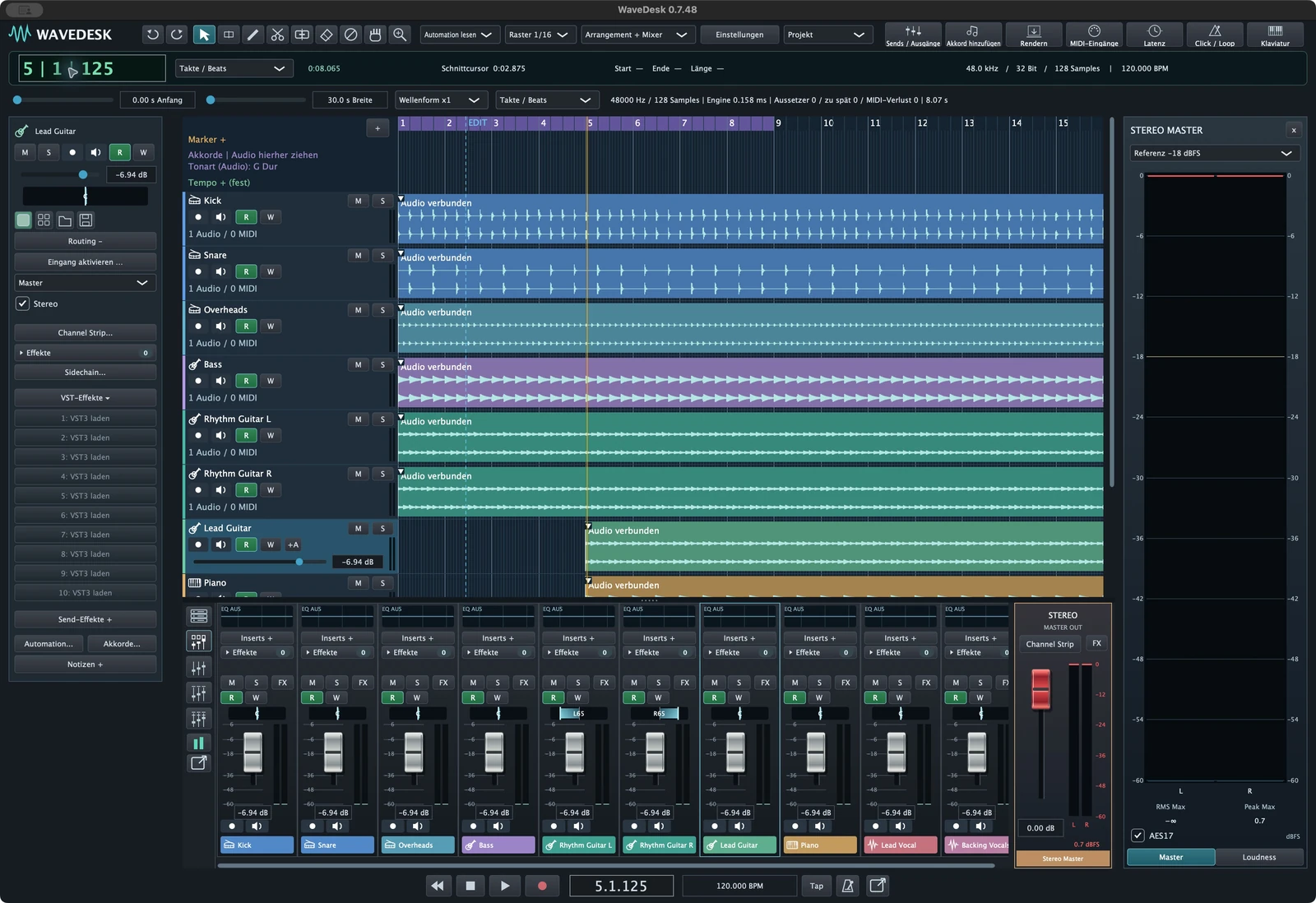
Set the start, end and tails
Check the range you want to export. The beginning should include the full musical opening. At the end, reverb, delay and decaying instruments may need more space than the last note played. Listen carefully to the ending all the way to silence.
Check your tracks before exporting: Is a channel accidentally soloed? Is an important track muted? Are groups and effects routed to sound as intended in the finished mix? A clear project name helps you export the right version.
Choose WAV for further editing
WaveDesk supports WAV in 16-bit, 24-bit and 32-bit float. WAV is suitable for sharing uncompressed audio. Set the sample rate and bit depth to suit your collaboration or destination system, rather than switching between formats without a reason.
32-bit float describes the file format; it cannot repair a microphone recording that has already clipped. When handing over a file, what matters is the format the recipient needs and can process reliably. Agree on the format before exporting whenever possible.
Use MP3 for a compact listening file
MP3 uses lossy compression and generally requires less storage than an equivalent uncompressed file. This can be useful for previews or quick sharing. Keep a suitable WAV version and the actual project for further editing.
After exporting, also assess delicate passages such as quiet tails and dense high frequencies. Saving a finished MP3 as MP3 again does not restore lost information. For a new version, return to the project or a suitable master whenever possible.
Prepare individual tracks for collaboration
If someone will continue mixing the song, individual tracks may be more useful than just the stereo mix. Agree on which tracks are needed and how they should be named. Different start points can make alignment in the destination project more difficult.
Also agree on which effects should already be included and which will be recreated separately. A shared reverb tail is not automatically part of every individual track. Interchange formats such as AAF or OMF may serve a different purpose; the content they can transfer depends on the format and the destination software.
Check the finished file independently
Give the file a clear name and save the export separately from your project media. Then open it outside WaveDesk. Check the beginning, end, completeness and loudness. Listen for missing instruments or cut-off tails, too.
Feedback such as “the file is quiet” does not explain the cause. First check that you exported the intended version and that the external player is using a comparable volume. Keep the project: an audio file does not replace an editable session.